
Build an Unstoppable Halloween Movie Night Setup Starting Under $115

 Halloween Ideas & Trends
Dedicated physical media hardware provides dependable playback without streaming interruptions during holiday marathons.
Building a bulletproof living room setup for a Halloween movie night costs as little as $113 by switching to dedicated physical media hardware that bypasses streaming lag, surprise ad breaks, and sudden catalog removals. While digital storefronts grant convenient rentals, viewers frequently discover that digital purchases on platforms like Amazon Prime do not guarantee permanent access.
A dependable disc setup restores complete control over seasonal horror marathons. By connecting dedicated playback hardware directly via HDMI, home viewers lock in stable bitrates, eliminate buffering spikes during high-traffic evening hours, and evade mid-scene advertisements.
The transition does not demand thousands of dollars in commercial cinema equipment. Reliable hardware from major home audio-video manufacturers currently fits comfortably beneath standard entertainment consoles for a fraction of premium home theater budgets.
Why Physical Media Beats Streaming for Spooky Season
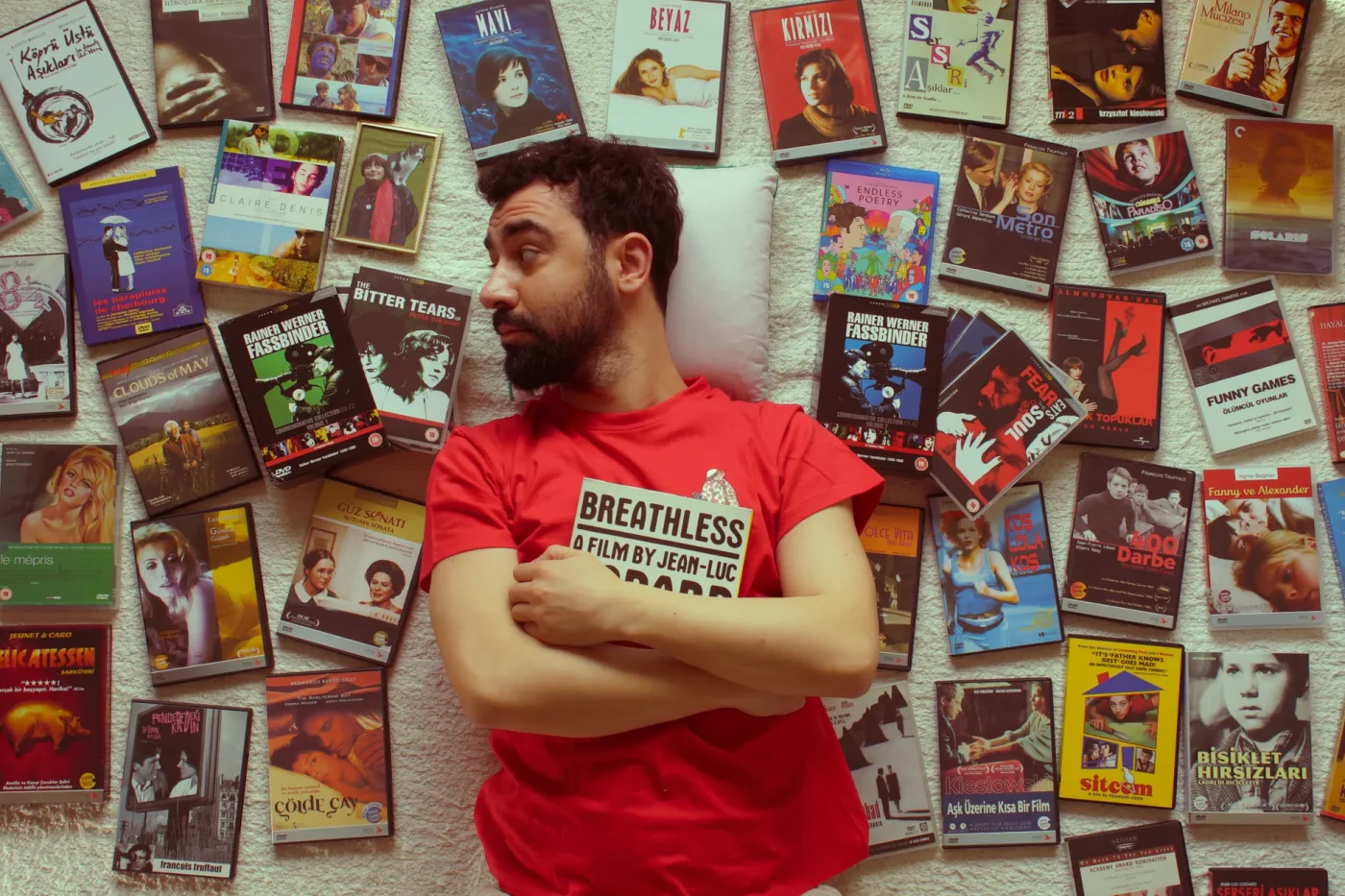
A widespread misconception assumes that physical disc players are cumbersome relics superseded by cloud streaming. Modern streaming video often suffers from aggressive compression algorithms that crush shadow detail, turning eerie horror atmospheres into pixelated gray blocks.
Relying entirely on digital streaming platforms leaves holiday movie marathons vulnerable to bandwidth drops, network congestion, and unexpected content licensing expirations.
Physical formats bypass network dependencies entirely. When a player connects directly to a television, the display receives pure, unthrottled audio and video signals straight from the disc drive.
Simplicity remains a primary advantage for evening entertainment. Eliminating network configurations, app sign-ins, and mandatory firmware updates means the entire setup operates seamlessly with a single click of a remote control.
The Budget Hardware Core: Top Hardware Choices Under $120
Establishing the foundation of your living room entertainment stand requires choosing a player tailored to your display. Several budget-friendly units deliver high performance without inflating seasonal expenses.
The Sony BDP-S1700U represents one of the most straightforward entry points into physical media. Priced at $113 on Amazon and $114 directly through the manufacturer, this unit plays both high-definition discs and standard DVDs. With more than 1,800 consumer reviews on Amazon, owners praise its direct HDMI plug-and-play operation and functional USB port for external media files. Crucially, the unit skips Wi-Fi integration entirely, making setup instantaneous.
Viewers who desire built-in connectivity can look to the Samsung BD-J5700/ZA, priced around $115 on Amazon. This alternative features standard DVD upscaling alongside built-in Wi-Fi, allowing access to selected online applications when a disc is not spinning.
Another strong contender is the Panasonic DMP-BD84P-K at $118 on Amazon. In addition to handling standard disc playback, it includes an external storage slot designed to connect portable hard drives for personal movie and photo collections.
Viewers prioritizing higher resolution must balance display requirements against their budget. Stepping up to 4K upscaling brings options like the Sony BDP-S6700 at roughly $141.58, while uncompressed native 4K UHD playback pushes hardware into premium territory, such as the Sony UBP-X700U at $328.
Step-by-Step Living Room Optimization
- Position the player: Place your chosen playback hardware on a ventilated shelf beneath the television to ensure smooth disc tray clearance.
- Connect direct HDMI: Use the included high-speed cable directly between the player and your primary television port to minimize signal latency.
- Prepare offline media: Organize physical disc cases or load backup files onto a compatible drive via the player’s USB port before guests arrive.
- Power up and play: Insert your selected feature film directly into the disc drive without waiting for network sign-ins or streaming buffers.
Hardware Comparison for Your Entertainment Stand
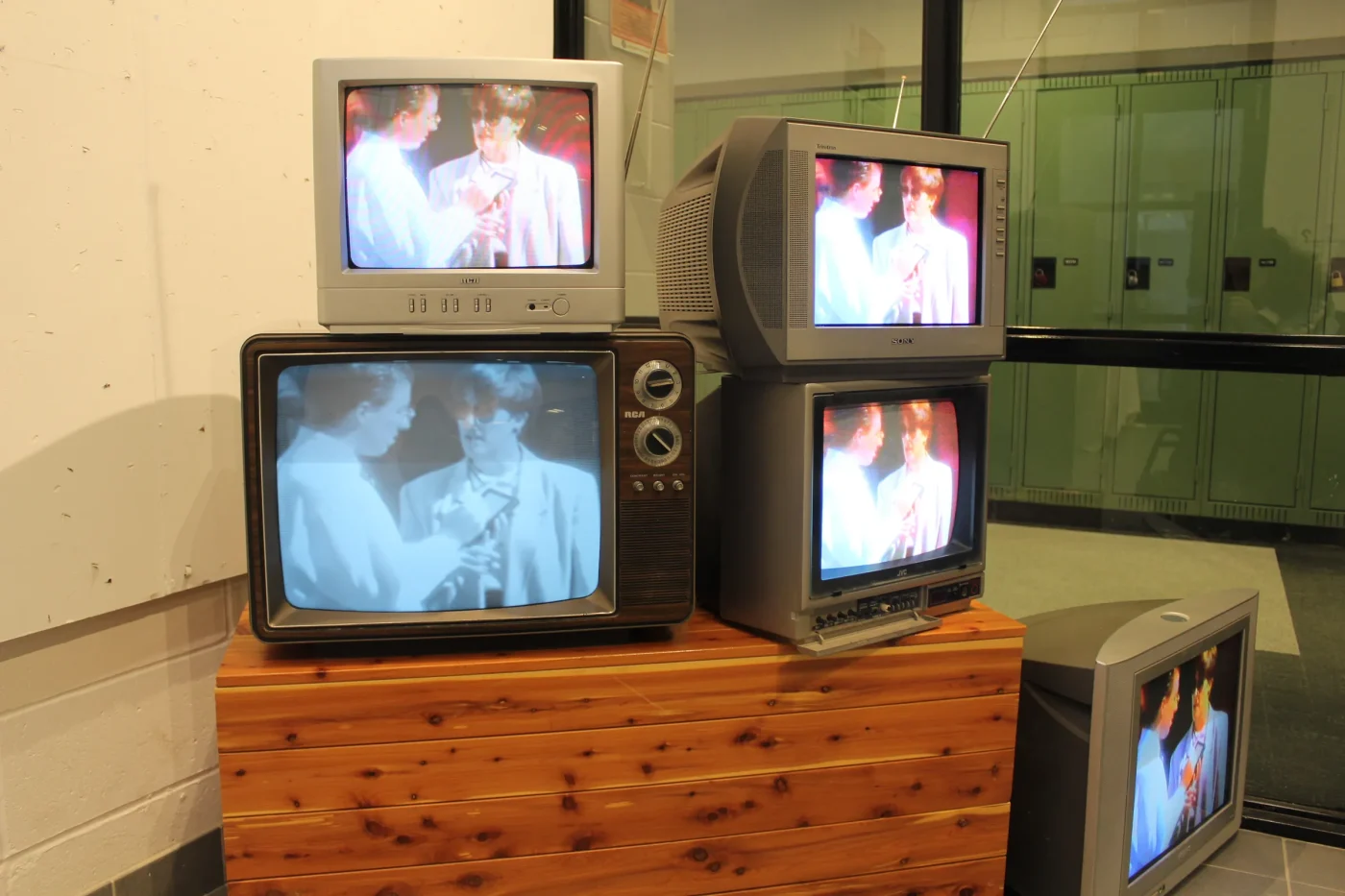
Comparing entry-level hardware against advanced upscaling options clarifies which unit matches your display needs.
| Player Model | Key Specifications & Pricing |
|---|---|
| Sony BDP-S1700U | $113 on Amazon ($114 direct); 1080p playback; DVD upscaling; USB port; no Wi-Fi complexity. |
| Samsung BD-J5700/ZA | $115 on Amazon; DVD upscaling; Wi-Fi connectivity with onboard apps; HDMI included. |
| Panasonic DMP-BD84P-K | $118 on Amazon; standard disc upscaling; external hard drive slot for media playback. |
| Sony BDP-S6700 | $141.58 on Amazon; integrated 4K upscaling technology for enhanced display output. |
| Sony UBP-X700U | $328 retail; true native 4K UHD disc playback for premium television panels. |
A dependable disc collection ensures seasonal traditions remain protected from unpredictable server interruptions. With dedicated hardware handling the processing, every jump scare lands exactly as the director intended.
💡 Share your personal home theater setups and favorite seasonal film selections.
🔍 Tell us which physical media hardware anchors your living room entertainment center.
👇 Leave your thoughts in the comments below to join the discussion.