
Transform Your Home for Halloween: How to Project a Realistic Vampire into Your Window

 Halloween Decor
Digital window displays allow homeowners to create cinematic illusions that give traditional Halloween decorating a high-tech edge.
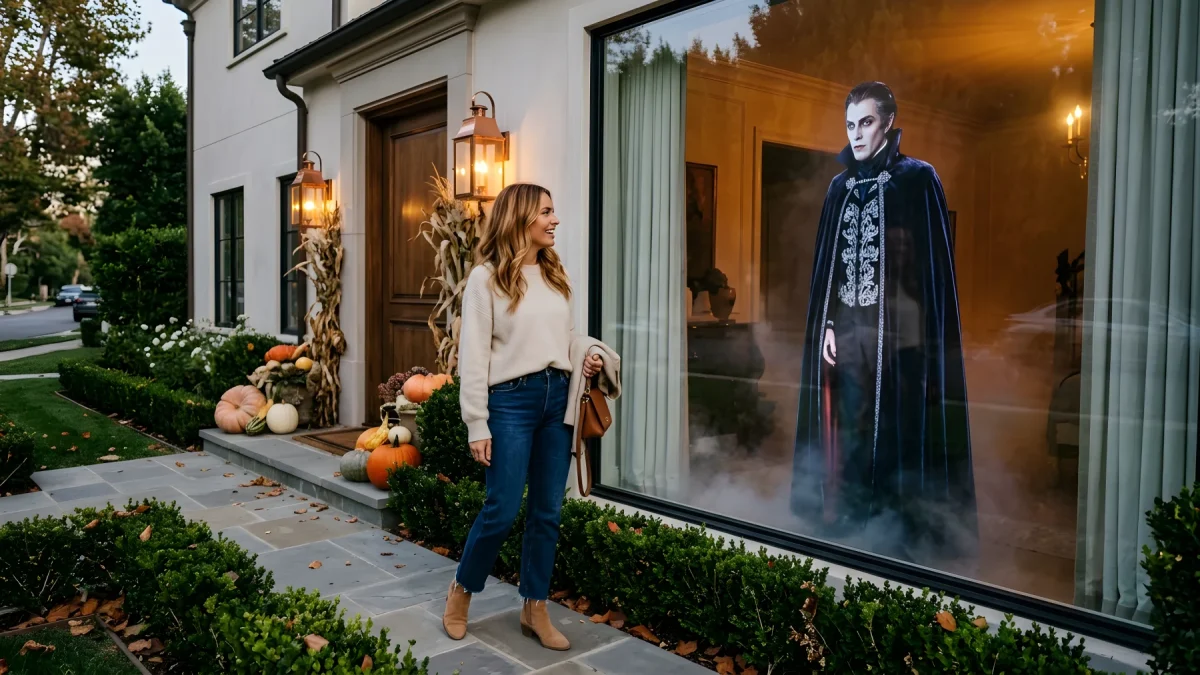
Home decorators are replacing static plastic skeletons with dynamic digital illusion tech by beaming life-sized vampires directly onto their windowpanes using AtmosFX digital projections. With a standard home projector and semi-translucent screen material, you can make an undead creature appear to stalk behind the glass, stare at trick-or-treaters, and vanish into thin air within minutes.
The core mechanism relies on rear projection, turning standard glass into an optical stage. By focusing light onto a specialized diffractive surface hung inside the room, passing spectators on the street see only the illuminated figure suspended in darkness, creating a high-impact illusion with zero physical clutter.
How AtmosFX Digital Window Displays Work
AtmosFX digital decorations are high-definition video loops animated specifically to blend seamlessly against real-world backdrops. The vampire animations are produced with deep black backgrounds, allowing only the character and ambient mist to register on the projection surface.
Because the projector sits indoors safely protected from autumn weather, the hardware remains secure and dry throughout October. Street-level viewers cannot see the projector bulb if the unit is positioned at an off-axis angle, which maintains the optical trick that a physical creature is lurking inside your living room.
The secret to convincing window illusions is achieving a pure black cutoff, ensuring only the illuminated character reflects light while the rest of the window looks completely clear.
Standard Equipment Requirements
Setting up a dynamic vampire illusion does not require commercial cinema gear. Standard consumer electronics deliver high visibility if lumen output and screen opacity are properly balanced.
| Setup Element | Recommended Specification |
|---|---|
| Display Surface | Semi-translucent rear projection screen or frosted privacy film |
| Projector Brightness | Minimum 1,500 to 2,000 ANSI lumens for residential street lighting |
| Aspect Ratio | Standard 16:9 widescreen format |
| Audio Playback | Weatherproof outdoor Bluetooth speaker paired to media player |
| Media Delivery | USB flash drive inserted directly into projector or streaming stick |
Step-by-Step Guide: Staging a Window Vampire
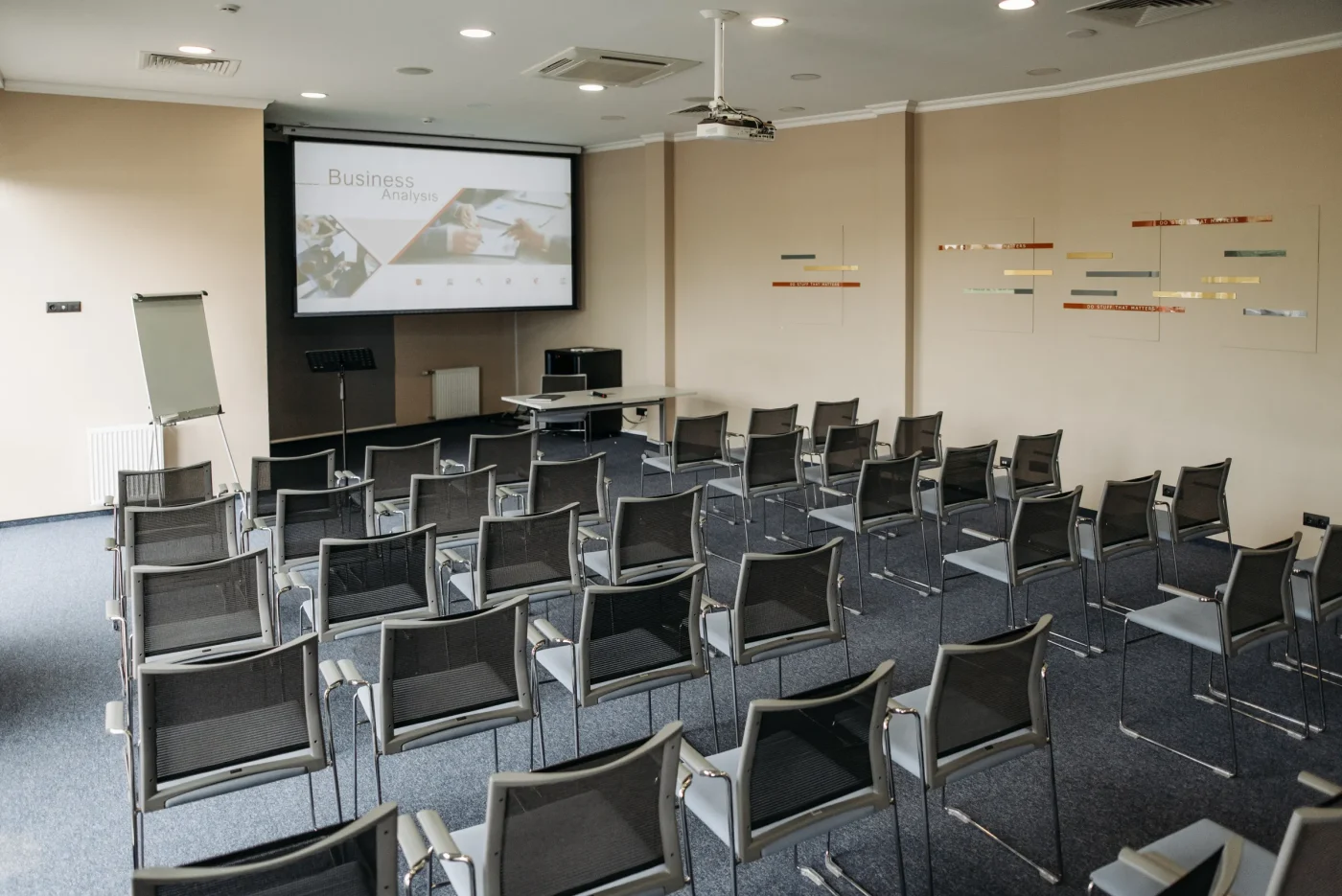
A flawless execution requires careful positioning to avoid exposing the hardware to onlookers outside. Following an orderly installation sequence prevents common optical errors.
- Measure and prep the glass: Clean the interior windowpane thoroughly to eliminate dust specs that could catch ambient light.
- Install the screen material: Stretch specialized projection fabric flat across the window frame using removable mounting tabs, ensuring the surface is completely taut with no visible wrinkles or sagging.
- Position the projection unit: Place the projector across the room facing the window, angling the beam slightly from below or above eye level to prevent the bright projection lens from shining directly into viewers’ eyes outside.
- Configure the digital loop: Load your digital file onto a media drive, select continuous looping, and set the projector display mode to rear projection so text and character movements face the correct direction from the street.
- Block indoor light pollution: Turn off all indoor lights in adjacent hallways and rooms to keep ambient spill from washing out the contrast.
Debunking Common Digital Decorating Myths
A widespread misconception is that any white bedsheet works just as well as dedicated projection material. Standard bed linen fibers reflect light backward rather than diffusing it forward, producing a dull, washed-out silhouette with a visible, blinding “hot spot” where the projector lens sits.
Another common myth suggests that digital decorations require pitch-black street surroundings to look realistic. Modern high-contrast animations paired with decent projector output remain visible even alongside typical residential streetlamps, provided the interior room lights stay powered down.
Optimizing Sound and Depth for Maximum Impact
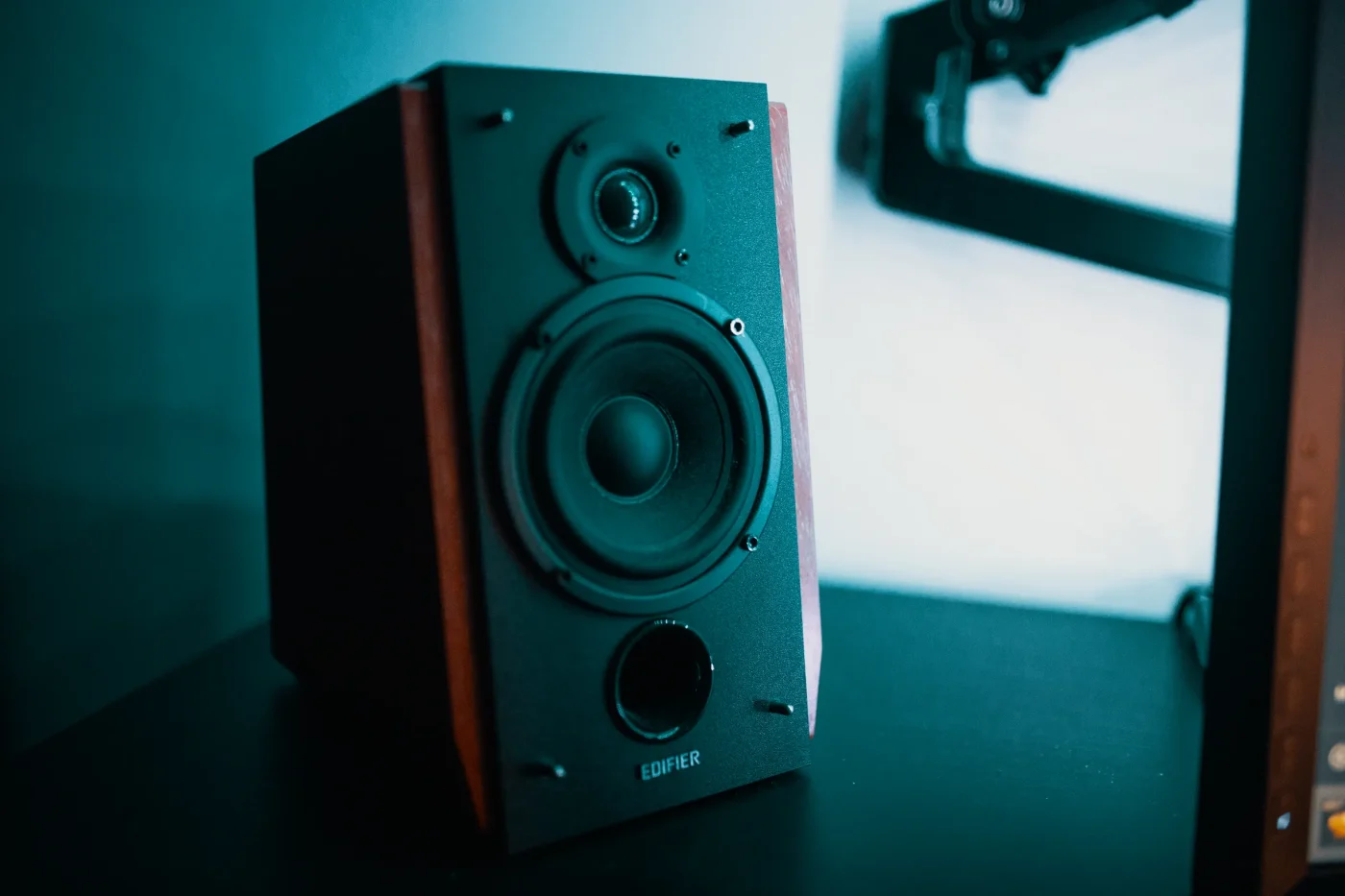
Visual presence is only half the experience when presenting realistic supernatural illusions. High-impact displays incorporate directional sound to convince the ears while the eyes track the phantom movements.
Placing an external Bluetooth speaker outside beneath the window sill or concealed in nearby landscaping synchronizes footsteps, hissing, and glass-tapping effects with on-screen action. This tight sensory pairing elevates standard holiday lighting into a cinematic neighborhood attraction.
💡 Check your projector manual to verify internal horizontal and vertical keystone correction settings before mounting the hardware.
🔍 Test your display from the sidewalk during dusk to balance brightness against street lamps before peak holiday hours begin.
📌 Share your experiences with us in the community discussions and show how you stage your seasonal digital haunt.
👇 Leave your thoughts in the comments below on your favorite digital Halloween illusion strategies.