
Tesla Halloween Mode Software Update 2026.38.3.1 Brings Spooky Features Permanently to Toybox

 Halloween Ideas & Trends
Tesla Halloween Mode Software Update 2026.38.3.1 Brings Spooky Features Permanently to Toybox
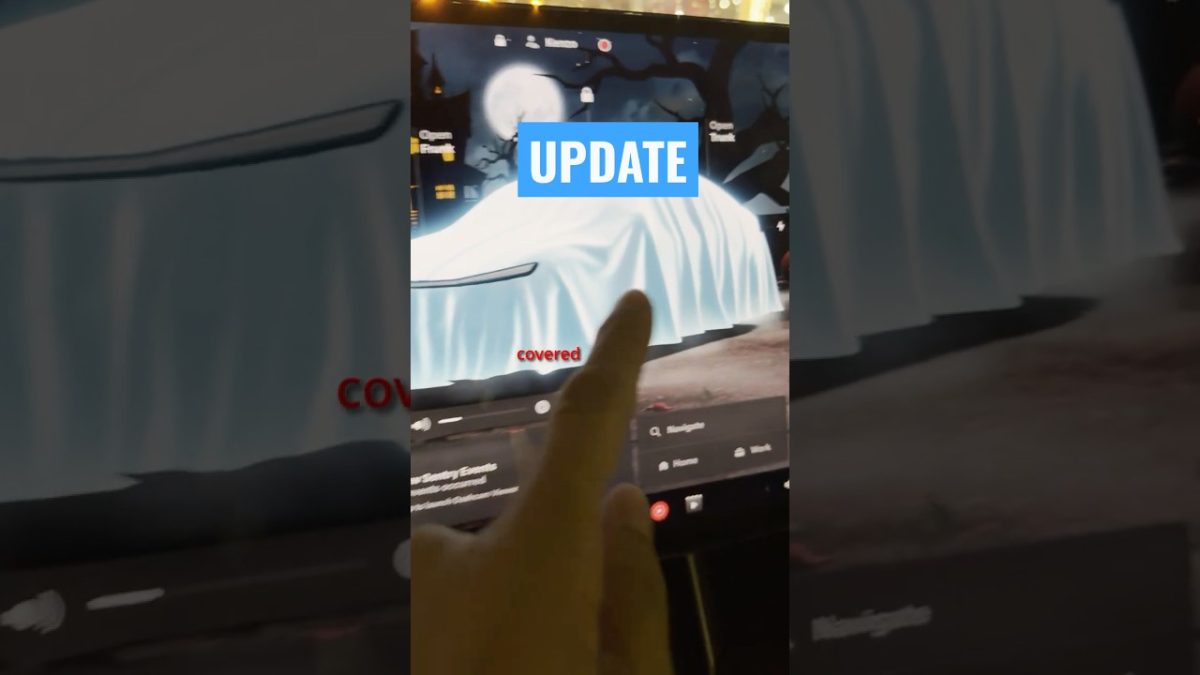
Tesla is rolling out over-the-air firmware release 2026.38.3.1, introducing an official Tesla Halloween Mode designed to turn the vehicle into a mobile haunted experience. The seasonal addition establishes a permanent place in the vehicle’s software ecosystem, residing directly inside the central Toybox application alongside the long-standing Santa Mode rather than disappearing after a single weekend.
The firmware branch, spanning revisions 2026.38.3 through 2026.38.3.1, targets modern fleet models including the Long Range builds. Through coordinated interior lighting cues, dynamic sound effects, and exterior display interactions, the electric vehicle reconfigures its entertainment stack to deliver themed visual animations and audio cues at the touch of a screen.
Inside the 2026.38.3.1 Architecture: The Haunted Cabin Experience
Tesla software updates regularly balance serious powertrain or driver-assistance refinements with creative digital novelties. Firmware 2026.38.3.1 leverages the vehicle’s ambient lighting, exterior speakers, and high-resolution touchscreen to deliver an immersive atmosphere. Drivers activating the setting experience customized graphic renders, eerie chimes, and tailored animations across the primary interface.
Interactive holiday easter eggs serve as a dual-purpose software stress test, validating that infotainment graphics and secondary vehicle controllers synchronize seamlessly under non-standard runtime conditions.
Because the implementation relies on Tesla’s unified operating system architecture, the feature deploys simultaneously to eligible vehicles equipped with compatible hardware suites. The central processing unit coordinates screen visuals with interior hardware, signaling an evolution in how automotive manufacturers treat vehicle customizability and user engagement during parked sessions.
Myth vs. Reality: Seasonal Novelty or Permanent Feature?
A persistent misconception among electric vehicle owners is that seasonal software perks vanish automatically once a specific holiday concludes on the calendar. Many drivers expected the 2026.38.3.1 package to revoke access in early November, treating the installation as a fleeting promotional trial.
The update confirms that the feature remains an enduring fixture inside the system architecture. Just as Tesla preserved its winter holiday assets for year-round access, the haunted vehicle settings stay parked directly in the application launcher for owners to trigger at any time.
| Feature Dimension | Software Specification |
|---|---|
| Firmware Branch | 2026.38.3 and 2026.38.3.1 |
| System Location | Onscreen Toybox Suite |
| Availability Status | Permanent Year-Round Access |
| Operating State | Parked / Stationary Activation |
| Primary Controls | Touchscreen, External Speakers, Interior Lighting |
How to Access and Trigger the New Mode
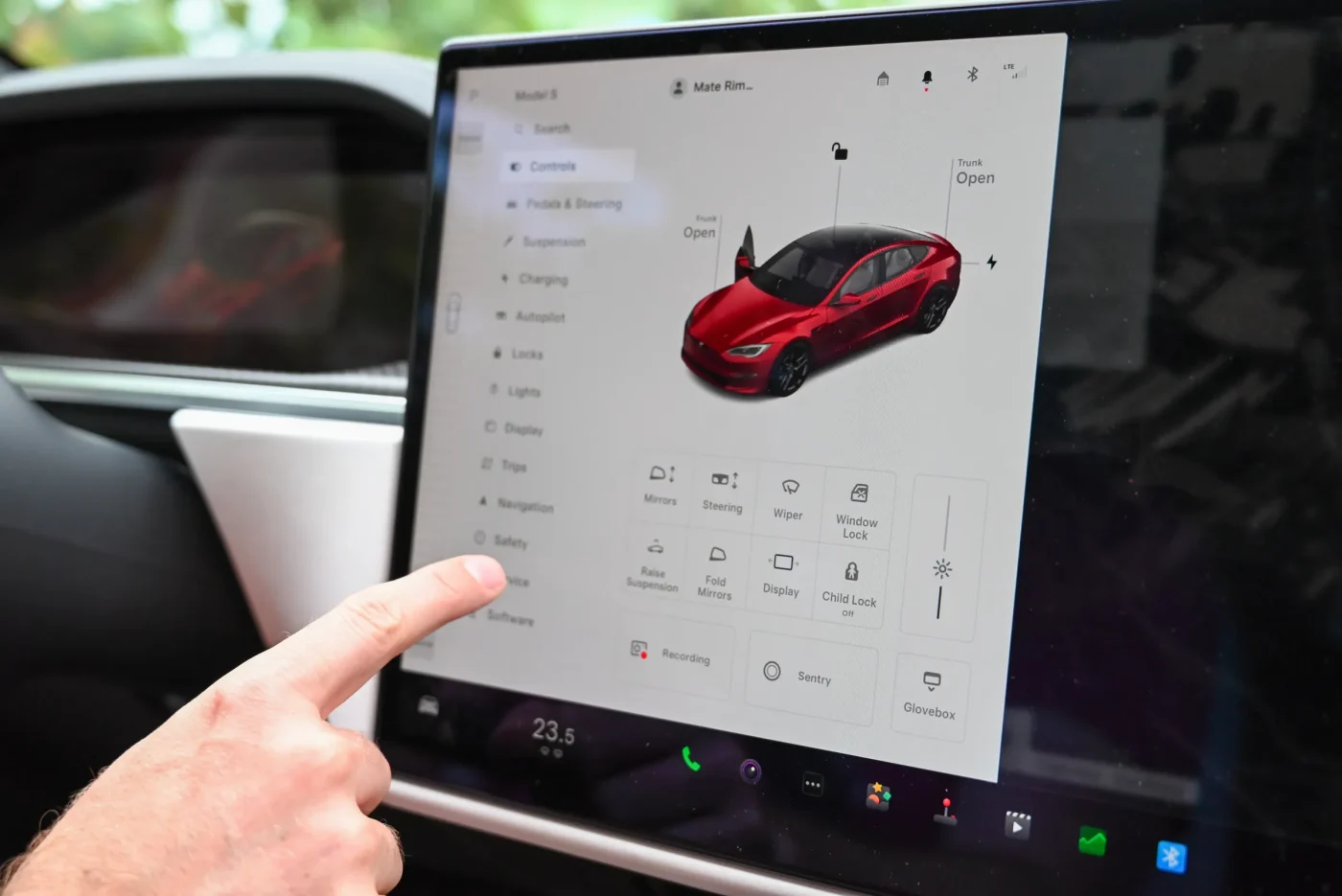
Accessing the newly added features requires an active connection to Wi-Fi to finalize the download and vehicle installation process. Once the display confirms that update 2026.38.3.1 has successfully installed, drivers can initiate the mode directly from the driver seat.
- Ensure the vehicle is shifted safely into Park.
- Open the main application launcher on the center touchscreen display.
- Select the Toybox menu from the entertainment choices.
- Locate the dedicated Halloween tile located next to Santa Mode.
- Tap the icon to trigger the custom lighting sequences and audio effects.
Owners can toggle specific audio variations or disengage the mode instantly by returning to the primary drive interface. Tesla continues to demonstrate how integrated software ecosystems can repurpose everyday automotive hardware into entertainment hubs without requiring physical aftermarket accessories.
💡 Firmware rollouts typically occur in staged distribution waves across vehicle fleets before reaching broad market saturation.
🔍 Check your vehicle’s software tab under system settings to verify if your branch has received the 2026.38.3.1 patch.
📌 Share your experiences with us and let fellow drivers know how your vehicle performs with the new software update installed.
👇 Leave your thoughts in the comments below on which seasonal easter egg Tesla should develop next for the Toybox launcher.