
Tesla Rolls Out Halloween Software Update With Spooky Visuals and New Fright Show

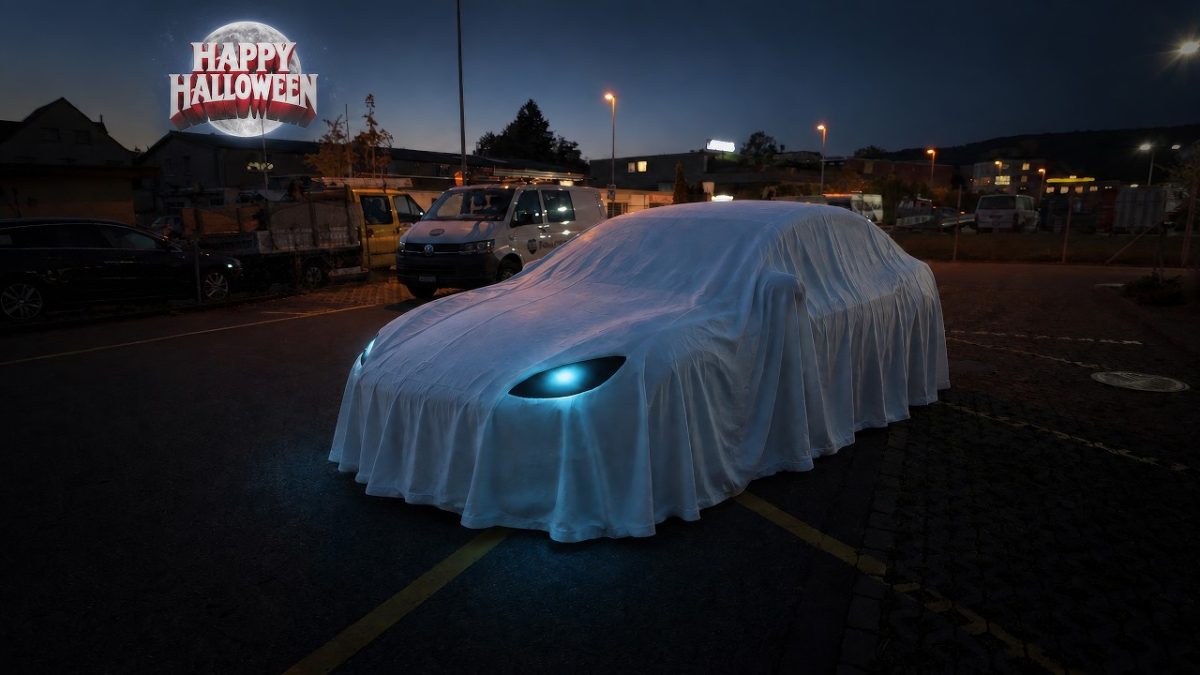 Halloween Ideas & Trends
Tesla Rolls Out Halloween Software Update With Spooky Visuals and New Fright Show
Tesla has introduced a dedicated holiday software release featuring thematic vehicle screen animations, spooky drive visualisations, custom exterior lock sounds, and an updated light display sequence dubbed the Fright Show. Pushed over the air to eligible electric vehicles, the seasonal update packages entertainment tweaks and visual Easter eggs designed to transform daily driving into a holiday-themed experience.
Automotive software updates have evolved beyond standard bug fixes and powertrain calibrations. By integrating seasonal multimedia assets directly into the operating system, the automaker leverages its centralized computer architecture to alter both cabin infotainment and exterior vehicle behaviors without requiring a service center visit.
Inside the Seasonal Cabin Visuals and Drive Animations
The centerpiece of the in-cabin experience involves real-time user interface styling. When parked or driving, the central display replaces traditional renderings with holiday-themed digital graphics, offering drivers an eerie alternate skin for their everyday interface.
During active navigation, the Tesla Halloween update modifies how nearby objects appear on the instrument cluster and touchscreen. Standard vehicle representations and pedestrian markers adopt ghostly or whimsical shapes, aligning with the seasonal atmosphere while maintaining accurate positional feedback.
Digital seasonal themes demonstrate how modern software-defined vehicles can refresh user engagement without altering physical hardware components.
These graphics operate purely at the rendering layer of the vehicle’s display system. While the visual aesthetic changes on screen, the underlying sensor feeds and obstacle-detection calculations remain entirely focused on standard road safety and vehicle positioning.
Exterior Audio and the Dedicated Fright Show
Beyond dashboard visual flourishes, the release targets the exterior environment through vehicle lighting and audio systems. Owners gain access to custom lock chimes that replace standard horn chirps or electronic beeps with Halloween-themed audio effects whenever the vehicle is secured.
Activating the Exterior Light Routine
The headline exterior feature is the programmable light sequence known as the Fright Show. Utilizing the vehicle’s exterior matrix lighting, dynamic sound speakers, and automated body closures, the car performs an automated audio-visual performance while parked.
- Ensure the vehicle is shifted into Park in a clear, open space.
- Open the vehicle application drawer on the main touchscreen.
- Select the Toybox menu and locate the Light Show selector.
- Choose the custom holiday sequence and confirm exterior clearance before initiating the show.
When triggered, the vehicle flashes its headlights, turns indicators, and taillights in synchronization with custom holiday music, creating an animated spectacle visible to onlookers.
Feature Overview: Seasonal Adjustments
The seasonal additions cover both cabin engagement and exterior showmanship. The table below outlines the core elements delivered in this holiday release:
| Feature Component | System Function |
|---|---|
| Vehicle Screen Animation | Themed UI elements and seasonal graphic overlays displayed on the center console. |
| Drive Visualisations | Customised on-screen rendering of surrounding traffic, pedestrians, and road objects. |
| Thematic Lock Sound | Custom exterior audio confirmation played via the speaker system upon locking. |
| Fright Show | Coordinated exterior lighting and audio sequence designed for stationary display. |
Separating Holiday Novelty from System Performance
A common misconception among electric vehicle owners is that seasonal software modifications compromise battery range or impair driver-assistance performance. In reality, graphical overlays and acoustic Easter eggs run isolated within the vehicle’s secondary infotainment processor, keeping primary driving functions completely segregated.
Safety-critical drive control systems operate on dedicated hardware controllers, completely decoupled from media and cosmetic display routines.
Pedestrian alert systems, emergency braking algorithms, and proximity warnings maintain their standard protocols regardless of how objects are stylized on the dashboard screen. The holiday presentation is purely visual, disappearing whenever critical navigation prompts or system warnings require immediate driver attention.
💡 Have you installed the latest seasonal software package on your vehicle yet?
🔍 Check your vehicle touchscreen under the Software menu to verify installation status and availability.
👇 Leave your thoughts in the comments below and let us know which custom lock sound you prefer using this season.